
Day 1 Vibe Coding - Build a Pixel Art Web App
Take-aways after builing and publishing a pixel art web app using Cursor.
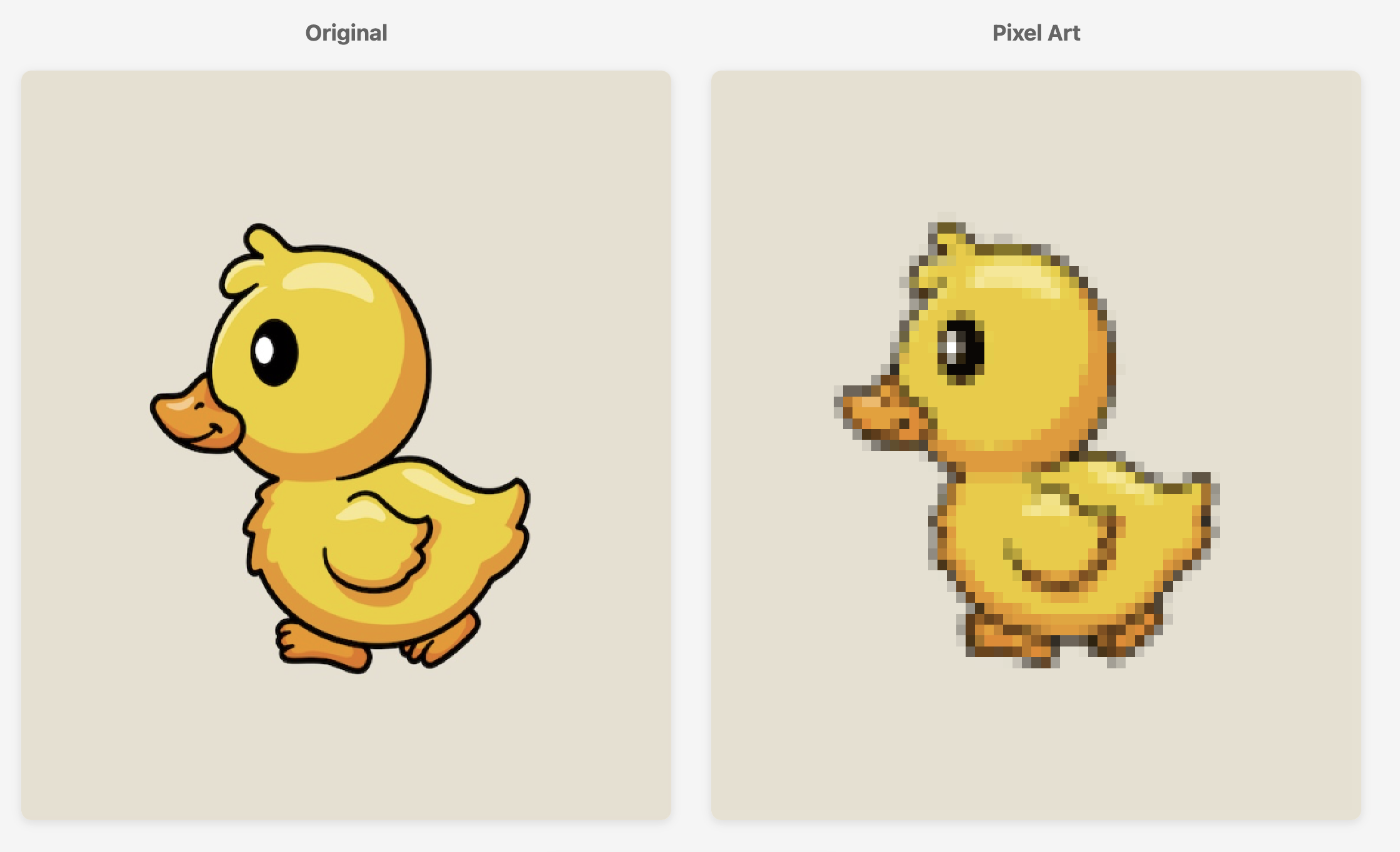
Pros:
-
Quick start I simply started the development by typing ‘Design and implement a web site that can convert a picture to pixel design.’ The agent quickly recognizes the lack of details in this request and prompts me with design questions and multiple answer options to select Screenshot
-
Almost no-code I didn’t change any line of codes. The only thing I did is creating a Github repo and changing the repo’s Gitpub Page Settings to publish the page. However, the whole experience probably won’t be this smooth if I didn’t already have development environment on my computer (e.g. github credentials).
-
Fast It only takes an hour to create and publish the web app! It’s spectacular considering I have limited frontend and javascript experiences.

Cons:
- Basic output The web app is basic. Many upgrades are needed for it to become ‘usable’ in my standards. For example, the app should adjust the pixel generation parameters based on properties of input image. The app is more of a toy than a complete ‘product feature’.
Take-away: Agent has been a super effective ‘teacher’ in showing me how to create a simple web app, and it’s great in hitting the basic requirements. I’m impressed by its efficiency under minimal human inputs. I’m not that impressed by the quality of the web app (e.g. user friendliness) - however, the lack of design details is probably what I should expect as a result of providing minimal instructions.
Overall, I would definitely use coding agents more in future for proptotypes.
Git Repo: https://github.com/wshanshan/pixelart
Leave a Comment